
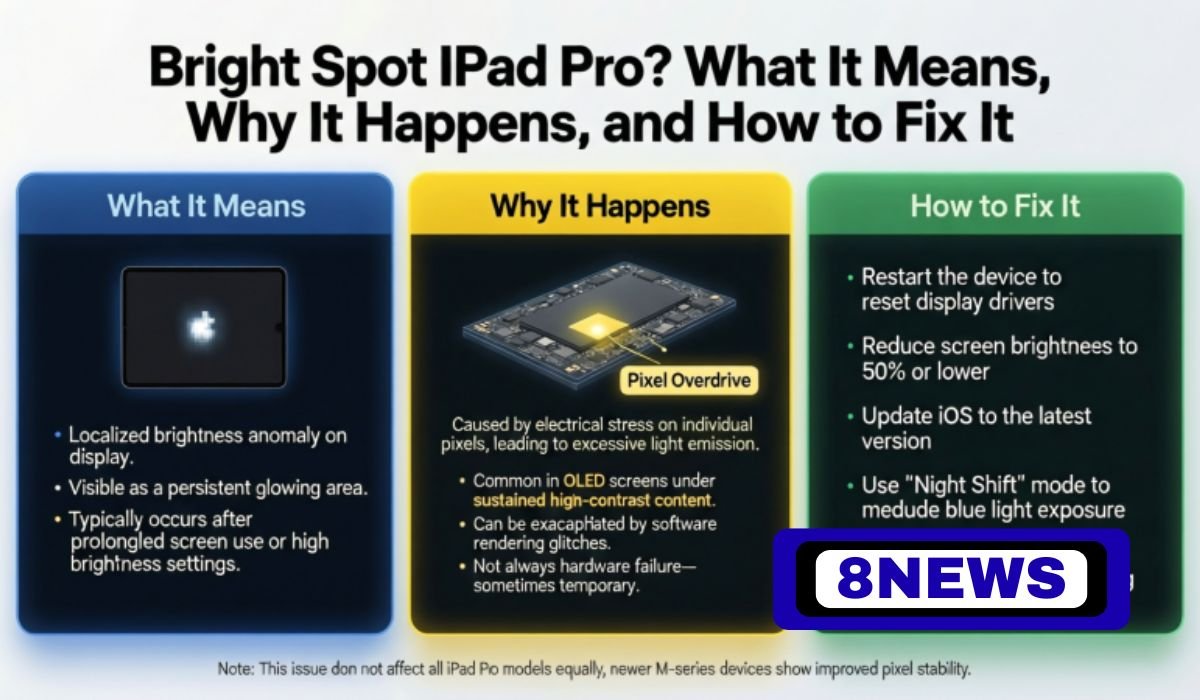
Bright Spot iPad Pro
If you’ve noticed a strange white spot on your iPad Pro display that doesn’t go away, you’re not imagining it—and you’re definitely not alone. Many iPad Pro users, especially those with slightly older models, have experienced this issue. This bright spot usually shows up on lighter backgrounds and can be distracting while reading, watching videos, or working. So, what exactly causes this “bright spot” to appear? And more importantly—can it be fixed?
In this guide, we’ll break everything down in a clear and helpful way. You’ll learn what the bright spot on your iPad Pro really means, why it happens in the first place, how to test for it, and what your repair or replacement options are. Whether you’re just noticing the problem or deciding if it’s time to upgrade, this article has everything you need to know.
Quick Bio Information
| Detail | Information |
|---|---|
| Common Device Affected | iPad Pro (10.5-inch, early 12.9-inch) |
| Issue Type | Bright Spot on Screen |
| First Reported | Around 2017–2018 |
| Main Cause | Internal Display Pressure or Backlight Diffuser Damage |
| Display Type | LCD on affected models |
| Visible On | Light backgrounds, white screens |
| Moves With Touch? | No — the spot remains fixed |
| Software-Related? | No — it’s a hardware defect |
| Fixable? | Only with screen replacement |
| Covered by AppleCare+? | Often, yes (depends on status) |
| Solution for Persistent Issue | Apple support or upgrade |
What Is the Bright Spot Issue on iPad Pro?
The bright spot on an iPad Pro display is a small, circular area of the screen that appears significantly lighter or whiter than the rest of the display. It usually becomes most visible when viewing bright, uniform backgrounds like white webpages, blank Notes, or settings screens. While the rest of the screen looks normal, this one area glows unusually, and it doesn’t go away or fade with use. This is not a stuck pixel or dust under the screen—it’s a deeper issue tied to the construction of the display panel itself.
What makes it more frustrating is that the bright spot does not flicker or disappear with different apps or screen brightness changes. It remains in the same place at all times. Users often describe it as a “glow” or “hot spot” near the center or upper portion of the screen. Although it doesn’t render the device unusable, it can be an ongoing distraction, especially for anyone using their iPad Pro for reading, creative work, or video editing.
Why Bright Spots Happen On iPad Pro Screens
Unlike most display issues caused by scratches or dirt, the bright spot on the iPad Pro is a hardware flaw. It typically comes from internal pressure, especially where components sit beneath the screen—such as where the display meets the logic board or battery. In many cases, this pressure causes the backlight diffuser layers to bend or warp, letting more light through a specific part of the screen.
Another common cause is adhesive breakdown during the manufacturing process. Over time, especially with heat exposure and heavy usage, certain display layers may shift slightly. This can also lead to uneven lighting and, eventually, a bright spot appearing. Apple has never officially recalled devices over this issue, but it is a known problem, especially in iPad Pros from 2017 and 2018.
The problem has nothing to do with software, so no amount of restarting, resetting, or updating will remove the spot. It’s a physical defect that stays the same across all apps and display settings.
Which iPad Pro Models Are Most Affected?
While bright spot issues can technically appear on any iPad, they are especially common in:
iPad Pro 10.5-inch (2017)
Early iPad Pro 12.9-inch models
These devices use LCD displays that are more susceptible to diffuser damage, especially as they age. Later models of the iPad Pro, particularly those introduced after 2021 with Liquid Retina XDR (mini-LED) displays, are far less likely to show this defect. These newer displays use better materials and improved layer bonding, reducing pressure points and allowing for more even light diffusion.
If you own a 10.5-inch iPad Pro and are seeing a bright spot, you’re in the same boat as many others. Unfortunately, this issue tends to develop gradually, often appearing after one or two years of use—even with careful handling.
How To Know If It’s a Bright Spot and Not Something Else
Not every odd-looking spot on your screen is a defect. Before jumping to conclusions, it’s helpful to distinguish a bright spot from more harmless issues. A bright spot is stationary, doesn’t respond to touch, and remains visible regardless of the app you’re using. It won’t change in size or disappear when brightness is reduced.
It also doesn’t move around like glare or appear only in the sunlight like reflections. Cleaning your screen with a microfiber cloth should help rule out smudges or dirt. And unlike a dead pixel (which would be dark or colored), a bright spot appears lighter than the rest of the screen. Once you identify it as persistent and fixed in place, chances are high you’re dealing with this common defect.
Simple At-Home Tests to Confirm the Problem
There are several easy ways to confirm that you have the bright spot issue on your iPad Pro. First, open the Notes app and create a new blank note. With a completely white background, examine the screen for any lighter patch or circular area that glows more than the rest.
You can also open a grayscale image or gradient background in Safari or your Photos app. A true bright spot will appear in the same location across all apps, colors, and viewing angles. Gently tapping or applying pressure near the area will show no change in appearance, which further confirms that it’s not caused by anything external.
Another helpful test is to dim and then raise your screen brightness. Bright spots may become slightly less noticeable at lower brightness levels, but they never go away entirely. These tests make it clear whether the issue is a genuine internal defect or just a temporary viewing problem.
Can a Bright Spot Get Worse Over Time?
In some cases, the bright spot remains the same size and shape for years. However, depending on how the pressure behind the screen evolves—especially with regular heat exposure, charging, or long periods of heavy use—the area can expand slightly over time. This may result in more light leakage or even multiple bright zones developing near the original spot.
Users have reported that continued use of the iPad under hot conditions (such as gaming or streaming for long periods) may cause the spot to look brighter or more distracting. However, this doesn’t mean your screen is about to fail—it just means that cosmetic wear is continuing, and repair may be worth considering.
Can You Fix the Bright Spot Yourself?
Unfortunately, this isn’t something you can fix at home. Since the issue lies deep within the backlight and diffuser layers of the screen, no software reset or screen protector will help. And while some might suggest tapping or applying gentle pressure, this can actually make the problem worse or damage your screen permanently.
The only true fix is a screen replacement, which requires disassembling the device and replacing the entire front display assembly. This is something that should only be handled by professionals. Attempting DIY repairs could void your warranty and lead to more costly damage.
Apple Support And Repair Options
If your iPad Pro is still under warranty or covered by AppleCare+, Apple may offer a free repair or replacement, depending on the case. In many situations, Apple has acknowledged that bright spots are not user-caused, meaning you may be eligible for support even if the issue appeared after normal use.
If your device is out of warranty, Apple can still perform the repair, but it will be at your expense. Screen replacements for iPad Pro models typically cost between $449 and $699, depending on the model and region. It’s a significant amount, so if your device is already a few years old, you might want to compare the cost with buying a newer model.
You can schedule a visit to the Apple Store or authorized service provider through Apple’s website or app. If you’re unsure whether your iPad qualifies for free repair, use your serial number to check coverage at support.apple.com.
When To Consider Replacing Your iPad Pro
For users with older iPads or those facing multiple hardware issues, upgrading might be the better long-term solution. If your iPad is already a few years old and the bright spot is just one of several problems (like battery wear, slow performance, or software incompatibility), replacing it may offer more value.
Apple’s latest iPad Pro models feature Liquid Retina XDR displays, M-series chips, and improved durability. These upgrades deliver stunning visuals and fix many of the hardware issues found in older generations. Plus, buying new means renewed warranty coverage and peace of mind.
How Newer iPad Pro Displays Prevent Bright Spots
The newest iPad Pro models, especially those released from 2021 onward, include mini-LED technology with thousands of dimming zones, greatly reducing the chances of backlight defects. Apple’s engineering improvements have focused heavily on heat management, light diffusion, and pressure balance within the display stack.
With Liquid Retina XDR, Apple has made the screen brighter, more consistent, and far less prone to flaws like bright spots or uneven backlight. This means users upgrading to a newer iPad Pro are much less likely to experience the same issue again.
Tips to Prevent Screen Issues in the Future
Although you can’t entirely prevent manufacturing defects, there are a few habits that can reduce stress on your iPad Pro screen. Always use a protective case, especially one that adds a buffer between the screen and any external pressure. Avoid pressing down hard while cleaning, and store your iPad in a cool, dry place when not in use.
Try not to leave your iPad charging for long hours under pillows or blankets, which can trap heat. And finally, avoid stacking items on top of your iPad—especially heavy books or electronics. These simple steps can help extend the life of your display and reduce the risk of hardware issues.
Final Thoughts
The bright spot issue on iPad Pro devices is an unfortunate reality for many users—especially those with 10.5-inch or early 12.9-inch models. While the problem doesn’t always affect performance, it can be a persistent visual annoyance. Thankfully, understanding the cause helps you make better choices, whether it’s seeking a repair, checking warranty coverage, or upgrading to a newer model.
Apple has come a long way in refining its display technology, and newer iPads are far less prone to this kind of flaw. If your iPad Pro has a bright spot, you’re not alone—and with the right steps, you can either fix the issue or move on to a better solution.
FAQs About Bright Spot iPad Pro
What causes the bright spot on my iPad Pro screen?
The bright spot is usually caused by internal pressure from components beneath the screen, which affects the backlight diffuser layer and allows excess light to pass through one area.
Is the bright spot a software issue?
No, it’s a hardware defect. Software updates, resets, or app changes will not remove it.
Can I fix the bright spot myself?
No. This issue requires a full screen replacement and should only be handled by professionals or Apple Support.
Will the bright spot get worse over time?
In some cases, it can expand slightly due to heat and pressure, but often it remains the same size once it appears.
Is this issue covered under AppleCare+?
Yes, in many cases AppleCare+ covers screen defects, including bright spots, as long as there’s no physical damage from the user.
Are newer iPad Pros affected by this?
Newer iPad Pro models with Liquid Retina XDR displays are far less likely to show bright spots thanks to improved screen technology.
Should I repair or replace my iPad?
It depends on the age of your device and cost of repair. If your iPad is older, upgrading might be more cost-effective and long-lasting.
People Also Read: Who Is Maxine Sneed? Inside The Quiet Life Of Tommy Chong’s Former Wife