
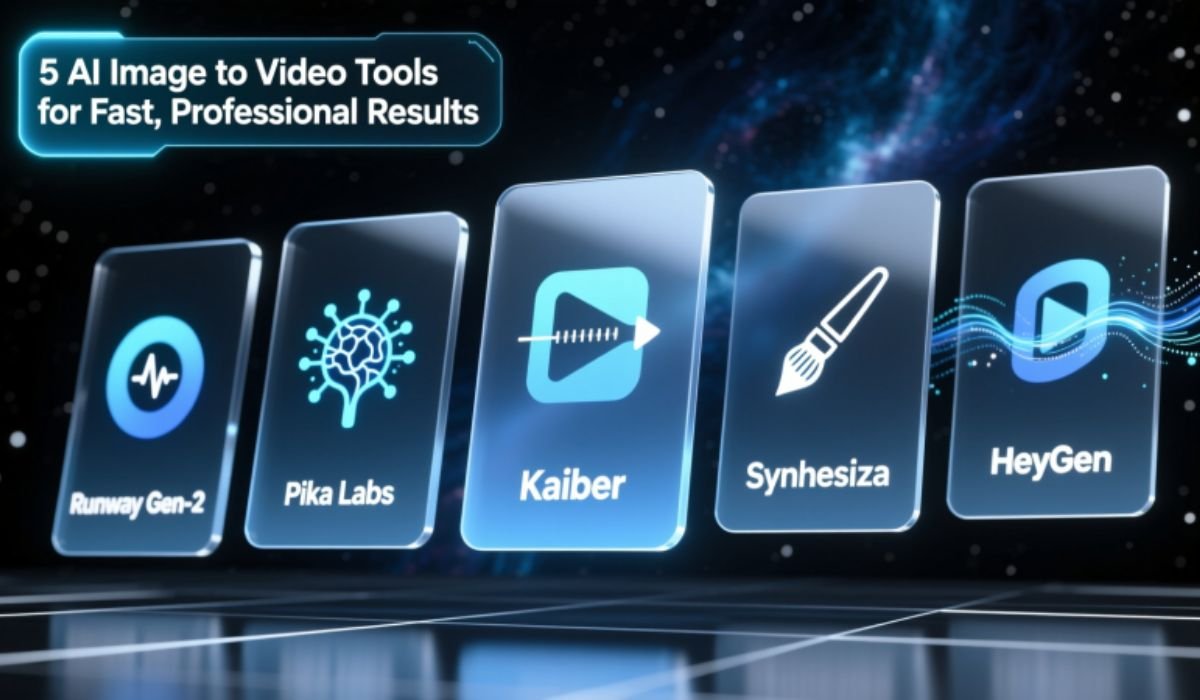
If turning images into videos still feels slow or complicated, you are doing it the old way. Today, AI can take a single image, add motion, depth, text, and sound, and turn it into a polished video in minutes. You do not need editing skills. You do not need expensive software. You just need the right tool.
Image-to-video technology has changed how creators, marketers, and businesses work. It saves time, lowers costs, and makes professional video creation accessible to everyone. Whether you are creating ads, social posts, product demos, or presentations, the right image to video AI tool can do most of the heavy lifting for you.
This guide breaks down five AI tools that deliver fast, professional results. Each one solves a different problem, so you can choose what fits your workflow best.
1. Invideo – Best All-In-One Image to Video AI Tool
If you want speed without sacrificing quality, Invideo is one of the strongest options available. It works as both an image to video AI solution and a full AI video creator, making it suitable for beginners and professionals alike.
Why Invideo stands out
Invideo lets you upload images, write a short prompt, and instantly turn those visuals into a complete video. The platform automatically handles scenes, transitions, motion effects, music, and even voiceovers if needed.
You do not start with a blank timeline. You start with a finished draft that already looks professional.
What you can create
You can use Invideo to build social media videos, ads, product showcases, explainer clips, and short promotional videos. It works well for vertical, square, and horizontal formats, which makes it ideal for platforms like Instagram, YouTube, and TikTok.
Who it is best for
Invideo works best for creators, marketers, and businesses that want fast output with minimal manual editing. If your goal is to scale content or test multiple ideas quickly, this tool saves hours every week.
It is also a strong choice if you want an image to video AI tool that feels complete rather than experimental.
2. Runway – Best for Cinematic Motion and Visual Effects
Runway focuses on advanced visual results. If your goal is realism, cinematic motion, or creative effects, this tool offers more control than most image-to-video platforms.
What makes it different
Runway uses generative AI to add realistic movement to still images. You can animate characters, add environmental motion, or create smooth camera effects that feel more like film than templates.
It is not just about speed. It is about quality and creative freedom.
Use cases
Runway works well for creative projects, visual storytelling, concept videos, and high-end social content. Designers and filmmakers often use it to test ideas or create short visual sequences without full production setups.
Limitations
Runway has a learning curve compared to simpler tools. It is powerful, but beginners may need time to understand how to get the best results.
If you want fast and simple, Invideo may be easier. If you want creative depth, Runway is worth exploring.
3. Pictory – Best for Business and Marketing Videos
Pictory is designed for clarity and structure. It focuses less on flashy effects and more on clean, business-friendly videos.
Why businesses like it
Pictory turns images and text into professional videos that feel polished and clear. It works especially well for presentations, brand videos, internal communication, and marketing explainers.
You can upload images, add a script, and let the AI match visuals, transitions, and background music automatically.
Strengths
Pictory keeps videos simple and readable. That makes it ideal for audiences who value information over entertainment.
If your brand voice is professional and minimal, this image to video AI tool fits well.
Best fit
This tool works best for marketers, startups, and businesses that want consistent, clean video output without heavy editing.
4. Kaiber – Best for Artistic and Creative Visuals
Kaiber takes a more artistic approach to image-to-video generation. It focuses on style, mood, and creative transformation rather than traditional marketing videos.
What it does well
Kaiber lets you animate images with unique motion styles. You can create abstract visuals, music-driven animations, and stylized videos that stand out on social platforms.
It is popular among artists, musicians, and creators who want something visually different.
When to use it
If your goal is creative expression rather than clear messaging, Kaiber is a strong choice. It works well for album visuals, experimental content, and artistic storytelling.
What to keep in mind
Kaiber is less structured than a full AI video creator. It is not ideal for ads or product demos, but it shines when creativity matters more than clarity.
5. Lumen5 – Best for Simple Social Media Videos
Lumen5 focuses on ease of use. It is designed to help users turn visual ideas into short, clean videos without complexity.
Why it is popular
The platform uses simple templates and automation to turn images into social-ready videos. You can add text, motion, and music quickly, even if you have no editing experience.
Strengths
Lumen5 is easy to learn and fast to use. It works well for short updates, promotional posts, and basic brand content.
Limitations
It offers fewer advanced customization options than tools like Invideo or Runway. It is best for straightforward videos rather than detailed storytelling.
How to Choose the Right Image to Video AI Tool
Not every tool fits every goal. The right choice depends on what you want to create and how much control you need.
If you want speed and flexibility, choose Invideo.
If you want cinematic visuals, choose Runway.
If you want business-ready videos, choose Pictory.
If you want artistic motion, choose Kaiber.
If you want simplicity, choose Lumen5.
The best image to video AI tool is the one that matches your workflow, not the one with the most features.
Why Image to Video AI Is Changing Content Creation
Traditional video creation takes time. You need planning, shooting, editing, and revisions. AI removes most of those steps.
With image-to-video tools, one image can become multiple videos. You can test different hooks, formats, and styles without starting over each time.
This is especially powerful for marketing and social media, where speed and volume matter.
When combined with a full AI video creator like Invideo, image-to-video workflows become scalable. That means more content, faster turnaround, and lower costs.
Tips to Get Better Results from Image to Video AI
AI works best when you give it clear input. Follow these tips to improve output quality.
Use high-quality images
Clear visuals lead to better motion and cleaner results.
Write simple prompts
Short, direct instructions work better than long descriptions.
Keep videos focused
One message per video performs better than multiple ideas.
Test multiple versions
Small changes can lead to big performance differences.
Match the format to the platform
Vertical for Shorts and Reels. Horizontal for presentations and websites.
Final Thoughts
Image-to-video AI tools are no longer experimental. They are practical, reliable, and powerful enough for real-world use. Whether you are a creator, marketer, or business owner, these tools can help you produce professional videos faster than ever.
If you want an all-around solution that combines speed, quality, and flexibility, Invideo stands out as a strong choice. It works as both an image to video AI platform and a full AI video creator, making it easy to turn ideas into finished videos without friction.
The future of video creation is not about doing more work. It is about letting AI do the work faster, so you can focus on ideas, strategy, and growth.
If you want, I can also create a comparison table, a shorter version, or a niche-specific version of this article. Just say the word.